
The Plans tab in Patient Chart displays information on all wellness plans a patient is enrolled in. From this tab, you can also enroll a patient into a new plan.
The Plans table can be filtered to view only plans that the patient is actively enrolled in:
-
Exclude Cancelled: Select this checkbox to exclude plans in the Cancelled status from your view of the Plans tab.
-
Exclude Expired: Select this checkbox to exclude plans that have expired from your view of the Plans tab.
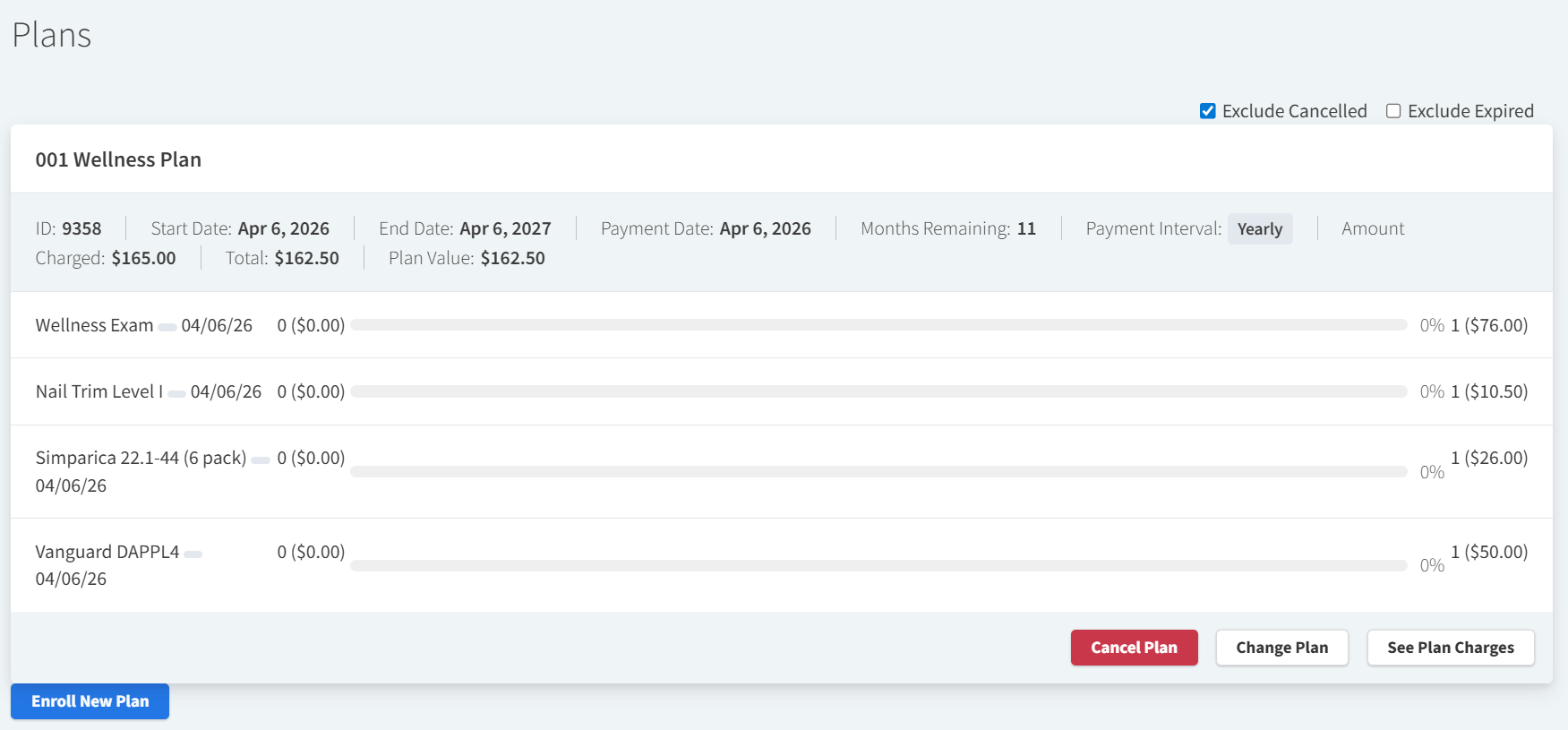
Available Actions for Wellness Plans in Patient Chart
-
Cancel plan: Select this option to cancel the patient’s enrollment in the wellness plan.
-
Change Plan: Select this option to open the Change Plan window. Here, you can edit the wellness plan payment date, billing interval, automatic renewal option, and which plan the patient will be enrolled in when automatically renewed. From this window, you can also select Defer! to indefinitely defer client payments for the plan.
-
See Plan Charges: Select this option to open the Plan Charge Schedule window, which displays a list of dates on which the client will be invoiced for the plan renewal.