
Vetspire integrates with CardConnect to capture credit card payments.
Please see our Vetspire Pay (CardConnect) article for steps to set up the integration.
In More > Admin > Integrations > Payment Processors, you can enable connections with our supported payment providers to process payments within Vetspire. You can also configure specific payment methods to display in the Checkout window.
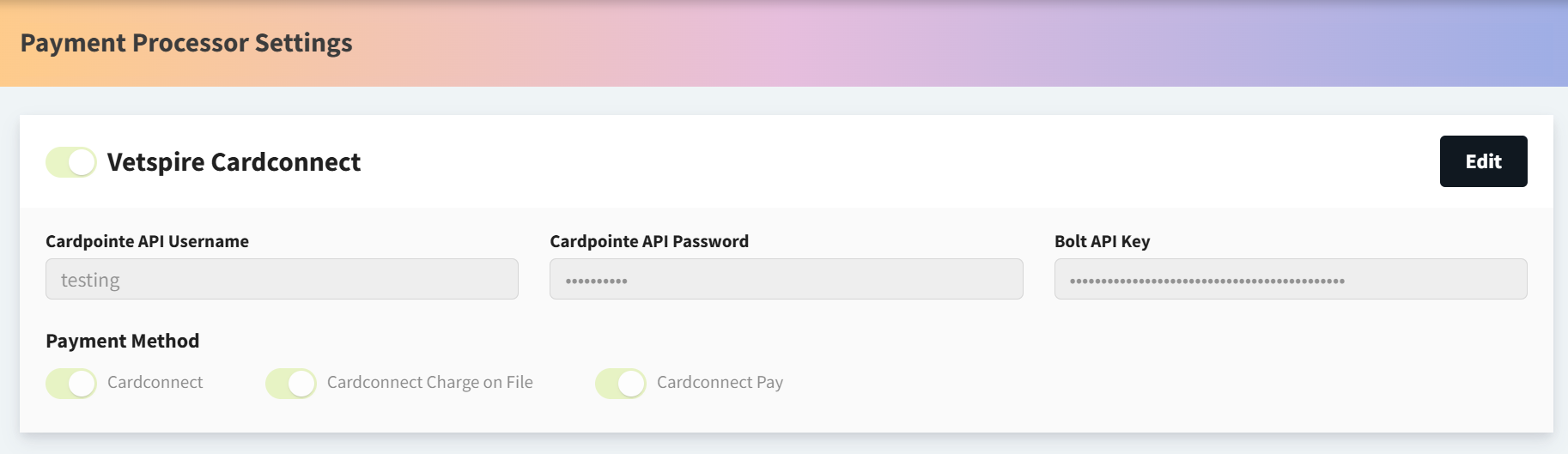
Available Payment Methods
In the Payment Methods section of the Payment Processors settings page, you can enable and disable payment options that display during Checkout.
The following table lists the payment methods supported in Vetspire:
|
Category |
Supported Payment Methods |
|---|---|
|
General |
|
|
Shelters |
|
|
Insurance |
|
|
Payment Plans |
|
|
Other |
|
Does Vetspire process payments that are not captured through a payment processor integration?
No. Unless a payment is collected directly through a payment processor integration (such as Vetspire Pay), the payment is not linked to a transaction in Vetspire. Recording a payment using a method such as Cash, Check, or Credit creates an internal notation that payment was collected externally. This enables you to run accurate reports on clients' payment activity while still having the flexibility to accept a variety of payment methods with third-party systems.