
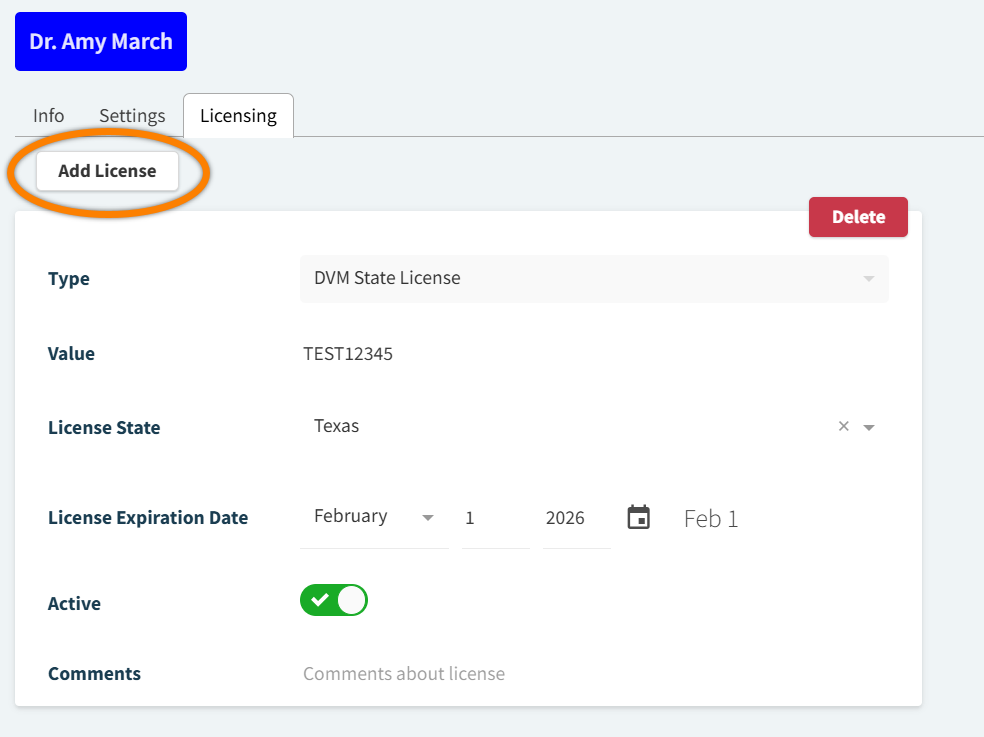
You can add a staff member’s veterinary license from More > Admin > Staff > Users. Select the user from the Staff grid to open their profile, then navigate to the Licensing tab.
Select Add License to record a new license value and expiration date. The following options for license Type are available:
-
DVM State License
-
State Controlled Substance License
-
USDA License
-
CDS License
-
DEA License
-
Certified Tech License
-
Other
Providers may also add, update, or remove their own licenses in their My Profile settings. See Manage Your User Profile for more details.