
There are two location settings in More > Admin > Locations > Scheduling that determine how appointments display on the Schedule calendar:
-
Enable Provider Schedules (Yes/No)
-
Show Unscheduled Providers (Yes/No)
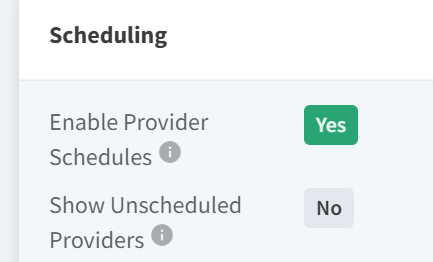
The display of appointments in provider columns and custom columns on the Schedule calendar depends on the configured combination of these settings.

The following table describes the outcome of all combinations of these settings.
|
Settings |
System Behavior |
|---|---|
|
Enable Provider Schedules = Yes Show Unscheduled Providers = Yes |
|
|
Enable Provider Schedules = Yes Show Unscheduled Providers = No |
|
|
Enable Provider Schedules = No Show Unscheduled Providers = Yes |
All provider columns display regardless of scheduling status. Custom columns always display. |
|
Enable Provider Schedules = No Show Unscheduled Providers = No |
All provider columns display regardless of scheduling status. Custom columns always display. |