This article describes how to troubleshoot common login issues for non-SSO users and is intended for organization admins.
-
Login credentials:
-
Users must log in with their Vetspire username.
-
Users can select Forgot your password? to receive email instructions for resetting their password.
-
Each user account must have a unique username and email address.
-
-
Account verification: The user’s email address must be verified before they can log into Vetspire. Org admins can resend email verifications in More > Admin > Staff > Users.
-
Password creation:
-
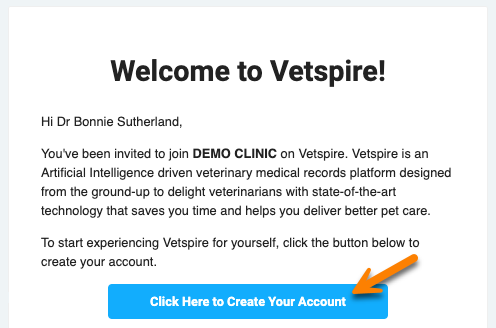
When a user’s Vetspire account is first created, they will receive a system-automated email to complete their account setup and create their password.
-
Do not create a new password for your initial login using the ‘Forgot your password?’ workflow.
-
To create your password, follow the steps in the setup email.
-
Org admins can resend email verifications to resend the setup email.
-