
The Orders section of an encounter lists all billable items associated with the encounter, categorized as Diagnostics, Treatments, Medications, or Other Products.
We recommend adding all billable products and services through the Orders section, rather than opening a new invoice in Patient Chart > Billing. Using the Orders section will add the billable items to the encounter invoice, so they are linked to the correct encounter.
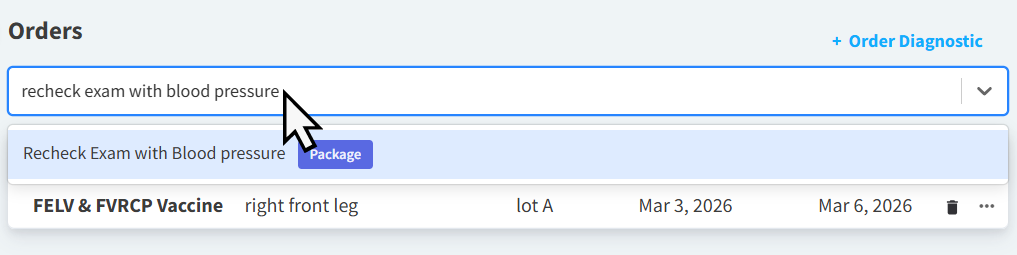
In the Search for order to add… field, enter the name of the product/service you want to order as it displays in your Vetspire Inventory & Services. Search results will populate in the drop-down menu as you type.
For more information on ordering medications and diagnostics, please see the following: