
When ordering diagnostics in an encounter, you can print 2”x1” labels for sample tubes that include the patient’s information, test ordered, provider, and collection timestamp. The collection timestamp displays the date and time the label is printed.
Example label:
.png?cb=4c2e7b19909a234834943d194ab24724)
To print a label, select the printer icon in the line item for the diagnostic order. The label file will open in a new browser tab, where you can then download or print the file.
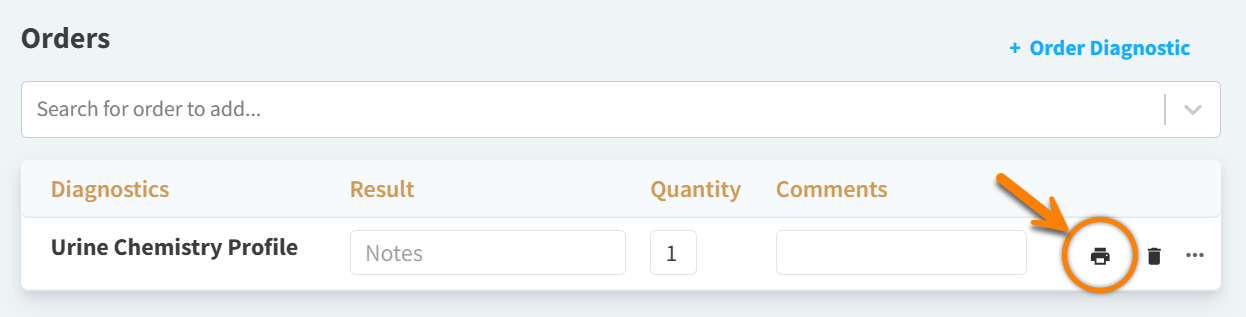
The printer icon displays for products that are assigned to a product type in which the In-House Diagnostic? or Reference Diagnostic? setting is set to Yes.
This feature is only available for ordering diagnostic products (using the Search for order to add field) that are NOT linked to any lab integration. This feature is not available when you select ‘+ Order Diagnostic’ in an encounter.