
The Sales Commissions report provides a breakdown of total commission based on products sold. The report includes:
-
Total commissions earned by providers based on product sales.
-
Breakdown of commissions per provider or per sales transaction.
-
Filtering by location or provider to analyze performance at different branches.
To access the Sales Commissions report:
-
Go to Financials > Reporting > Sales.
-
Select Sales Commissions from the report drop-down menu.
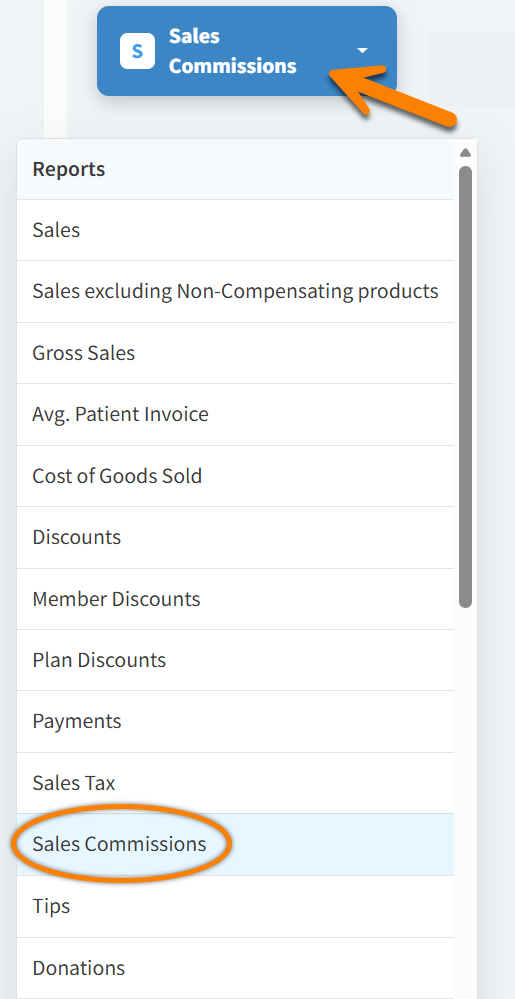
-
Apply filters based on date range, provider, and/or location to get specific commission details.
-
Select Provider in the Breakdowns field to organize the report by provider.
-
Select Run Report. The report will display total commissions earned per provider.
-
Select Download Excel if you want to export and analyze data in a spreadsheet.
Vetspire Recommends
To organize the report by sales category, you can select Product, Product Category, or Product Type in the Breakdowns field.