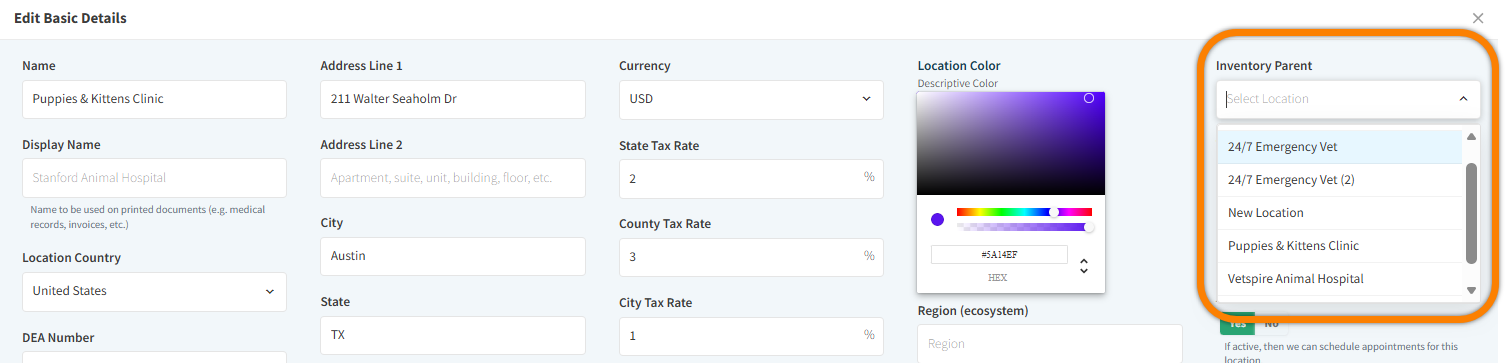
In More > Admin > Locations, when editing the Basic Info for a location, you can select another one of your organization’s locations as the Inventory Parent.
This is ideal when inventory is shared across multiple locations. In your Vetspire Inventory & Services, parent products that have the setting Only Inventory? set to Yes can then reflect the total available quantity of a product across all locations.
From the Inventory Parent drop-down menu, select the location that has a shared inventory with the location you’re currently in.