
For locations in states that require unique verbiage on rabies certificates, org admins can save custom text in the location settings.
-
Go to More > Admin > Locations and select the location you want to edit.
-
In the Basic Info section, select Edit to open the Edit Basic Details window.
-
Locate the Rabies Certificate State Requirement field at the bottom of the window and enter your text.
-
Select Save.
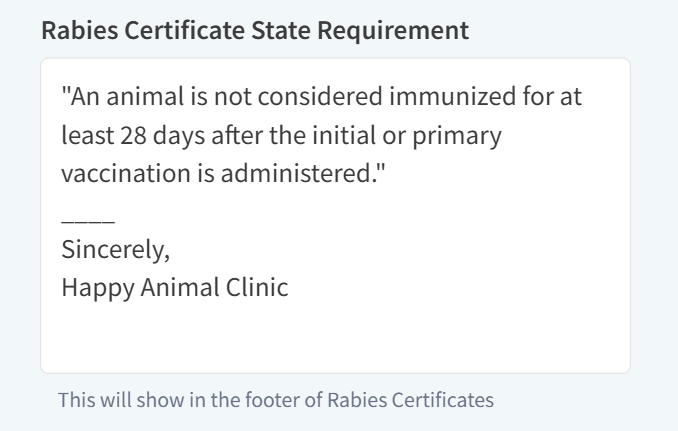
Text saved in this field automatically populates at the bottom of all rabies certificates generated at the location. Please see Download a Patient's Rabies Vaccine Certificate for more information.