-
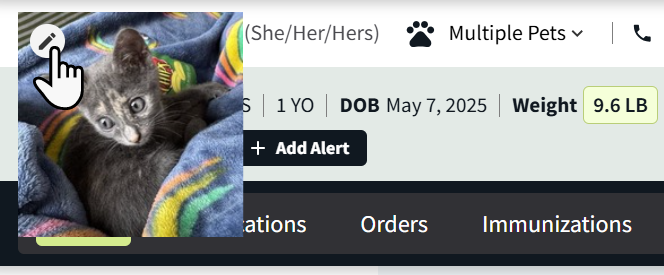
On the Patient Banner, hover your cursor over the placeholder image next to their name and select the Add Image icon


-
In the Upload New Patient Image window, select Choose File to open your device’s file explorer.
-
Select the file from your device, then select Upload New Photo in Vetspire.
The Patient Banner then updates to display the patient’s photo.
You can edit an existing photo by hovering over the patient’s photo and selecting the pencil icon. If you replace a photo, the previous photo will not save to the patient’s chart unless uploaded as a separate file in Patient Chart > Chart.