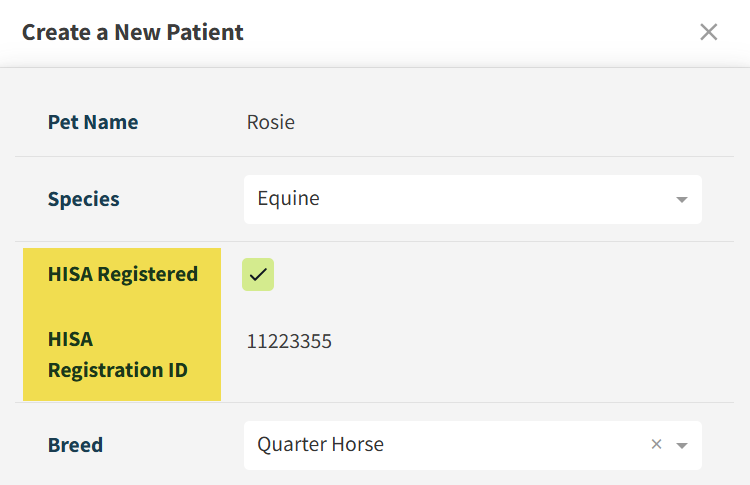
In Vetspire, you can mark new and existing equine patients as HISA Registered and record their unique HISA Registration IDs. You can add HISA information within the patient’s chart in the Info tab or when creating a new patient profile.
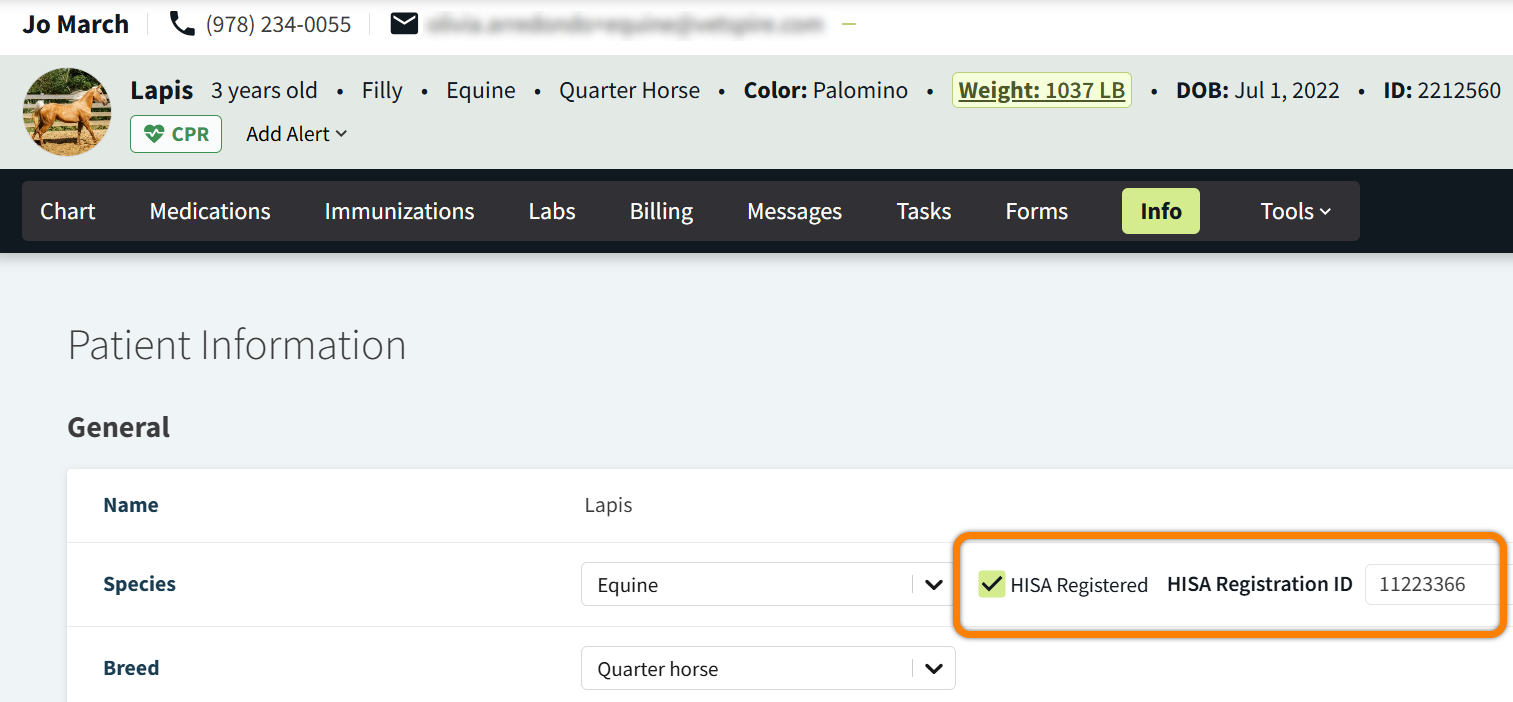
In Patient Chart > Info: Select the HISA Registered checkbox, then enter the HISA Registration ID. The system automatically saves your changes, and the HISA Registration ID displays in the Patient Banner.
When creating a new patient: The HISA Registered checkbox only displays when the Species field is set to Equine. Select this checkbox, then enter the patient’s HISA Registration ID.