
In Vetspire, you can add general discharge instructions for a patient within their encounter. You can also add product-specific discharge instructions to the product’s details in your Inventory & Services settings.
Encounter Discharge Instructions
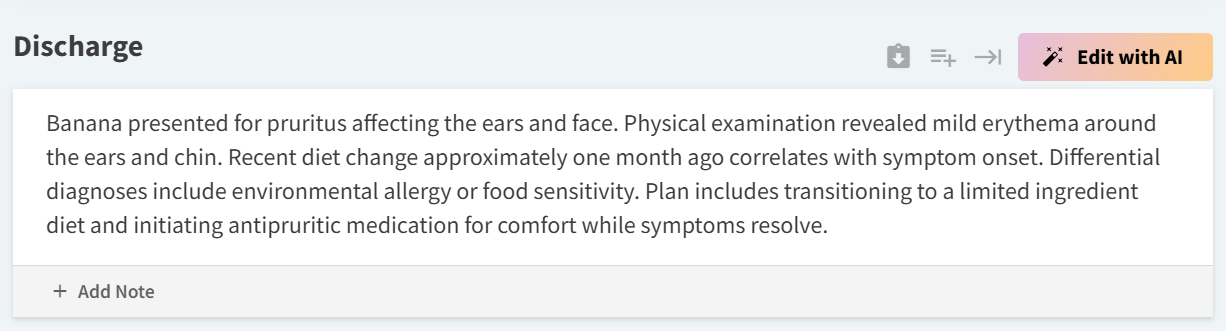
Encounter templates can include a Discharge Instructions section, where providers can freely type notes and instructions that can be included on encounter PDFs. The Discharge Instructions section also supports macros and AI Scribe.
Discharge instructions in an encounter are designed to be used as customized patient care guidance notes that are specific to the findings recorded during their exam/visit.
Discharge Instruction in Product Details
When editing product details (in More > Inventory & Services > Manage > Products), you can add product-specific discharge instructions that display on the Discharge PDF shared from a patient’s encounter.
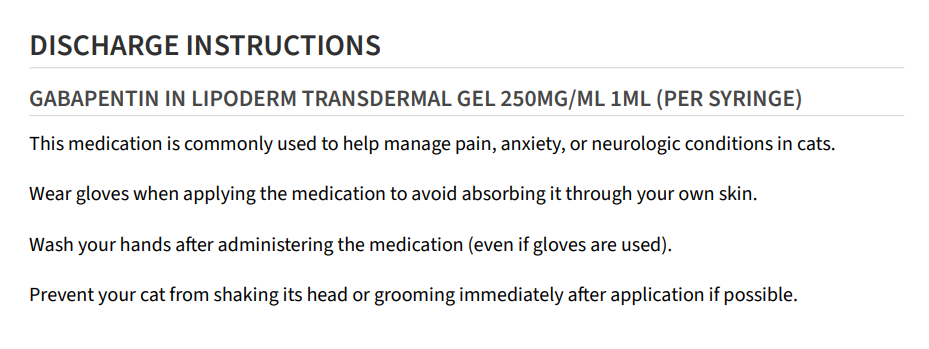
Product-specific discharge instructions do NOT populate in the ‘Discharge’ section of an encounter. Additionally, product-specific discharge instructions do NOT display on other encounter PDF types (e.g., Full Encounter, Referral Letter).