In a location’s settings (accessed via More > Admin > Locations), you can assign Vetspire user accounts that are set as providers to specific org departments enabled for the location.
Before You Get Started
See our Locations: Add a New Location & Location Settings guide for information on enabling org departments for your location.
-
Go to More > Admin > Locations and select the location you want to edit.
-
Scroll down to the Department section of the location settings, then select Edit.
-
In the Edit Departments window, select the department you want to assign providers to. This opens the Edit Department window, where you can configure settings for the individual department.
-
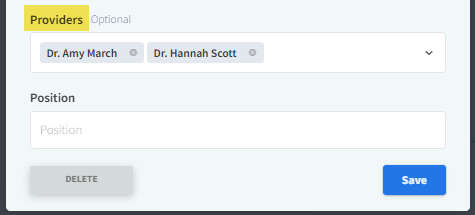
Select the Providers field, then select the provider(s) you want to assign to this department from the drop-down menu.
-
Select Save.